Your phone app does not magically know what to show. It follows programming instructions, one action at a time. Even your social media feed works because software was told exactly what to do.
So, what is programming? In simple terms, it’s writing step-by-step instructions (code) that computers follow to solve problems, build apps, and automate tasks. Think of it like giving directions to a robot friend. If you’re clear, it can help with almost anything.
Programming also matters beyond tech jobs. If you’ve ever used a calculator, booked a ride, or filtered photos, you’ve seen the results of code. And the good news is, you don’t need to be “mathy” to start. You just need a few core ideas and a friendly way to practice.
In the sections below, you’ll learn programming basics in plain English, the key parts that show up in every program, and the step-by-step process from idea to working software. Then we’ll cover beginner-friendly languages in 2026 and the easiest way to start learning.
What Programming Means in Plain English
Programming means creating code, which is a set of instructions written in a special language. Computers cannot “read” your thoughts. They can only follow instructions they understand.
Here’s a helpful picture: code is like a recipe. A recipe tells you what to do, in what order. If one step is wrong, the food might not turn out right. Code works the same way. It tells the computer what to do, then the computer runs those steps.
However, there’s one big twist. Computers understand numbers, not words. At the lowest level, everything becomes binary, which is made from 1s and 0s. That’s why code needs translation before a computer can run it.
Most beginners also benefit from understanding this difference:
| Type | How it runs code | Common feel for beginners |
|---|---|---|
| Compiler | Checks the full program first, then turns it into machine code | Feels strict, but errors show up early |
| Interpreter | Runs code line by line | Feels fast for quick tests |
If you want a beginner-friendly overview of programming ideas and common languages, see Coursera’s guide to programming.
Finally, programs often follow an algorithm. An algorithm is just a step-by-step plan to solve something. For example, calculating a restaurant tip is an algorithm. You multiply the bill by a percentage, then split if needed.

Code: The Language Computers Understand
Code is the written set of instructions that lives in a file. It’s how humans communicate with computers. Your job is to tell the computer what to do, and how to do it.
In most languages, code uses rules for writing instructions. Those rules are called syntax. If you break syntax rules, the program might fail.
Still, the core ideas stay similar across languages. You write instructions, you name things, and you control what happens next.
For a tiny example in Python, you can do this:
print('Hello, World!')
That line tells the computer to show a message. It’s simple, but it shows the main idea: code is a clear order for the machine.
Also, code usually uses text-like patterns, like parentheses and quotes. Those details matter, because computers follow them exactly. Once you learn to spot patterns, writing code gets easier.
Algorithms: Your Roadmap to Smart Solutions
An algorithm is a plan with steps. It explains the logic behind a solution. Without a plan, code becomes guesswork.
Imagine sorting laundry by color. First, you separate whites. Next, you separate darks. Then you wash each pile. That’s an algorithm.
Now try a tech example: finding the fastest route home. The steps might look like this:
- Start at your current location
- Check possible roads
- Estimate travel time
- Pick the shortest time option
- Repeat if road conditions change
The computer follows your steps, and your solution becomes repeatable.
So when people ask, “How does programming work?” the answer is often: you build algorithms, then you translate them into code. After that, the computer runs them and produces results.
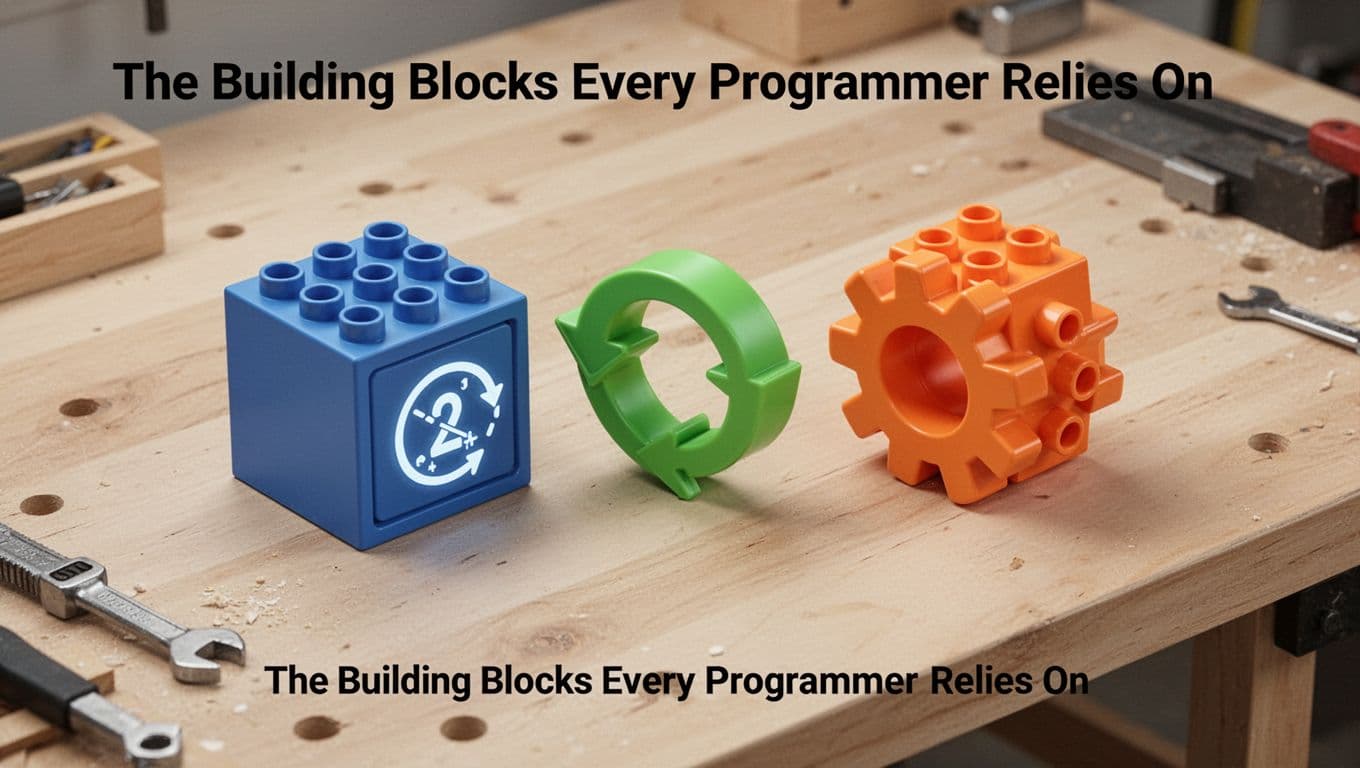
The Building Blocks Every Programmer Relies On
Even beginner programs feel different, but the building blocks are usually the same. Most code uses a few key ideas again and again.
When you understand these parts, programming stops feeling like random typing. Instead, it feels like building with Lego bricks. You can snap the same pieces into new projects.
Here are four fundamentals that show up in almost every language:
If you want extra practice with these beginner concepts, check out Basics of computer programming for beginners.
Variables: Storing Info for Easy Access
A variable stores data so your program can reuse it later. Think of it like a labeled box.
For example:
name = 'Sam'age = 25
Later, you can use name and age without retyping them. That saves time and reduces mistakes.
Variables also let programs feel “alive.” A weather app can store the current temperature. A shopping site can store the items you picked.
One more key idea: variable names usually follow simple rules. Most languages require names to start with letters. They also keep characters consistent and readable.
Loops: Making Repetition Effortless
Ever wondered how apps repeat actions without you typing the same line 100 times? Loops handle that.
A loop repeats a task until a condition changes. For example, you can print numbers from 1 to 5 with a loop. Without loops, you’d write five separate lines.
Loops help when you need to:
- go through a list of items
- repeat an action until something is true
- update values step by step
So instead of saying “do this, do this, do this,” you give a rule. Then the computer repeats the rule automatically.
Functions: Reusable Chunks of Magic
A function is a reusable chunk of code. You define it once, then call it whenever you need it.
For example, a math helper can add two numbers. You can reuse that helper in many places.
In Python, it might look like:
def add(a, b): return a + b
Now your program stays cleaner. You don’t repeat the same logic again and again. Plus, debugging becomes easier. If your function is wrong, you fix it in one spot.
Functions also support a simple mindset: build small tools first, then combine them into bigger programs.
From Idea to Running Program: The Step-by-Step Process
Programming works like a loop. You think, write code, test it, fix it, and try again. That cycle is normal.
A typical workflow looks like this:
- Plan what you want the program to do
- Choose a programming language
- Write the code
- Translate the code (compiler or interpreter)
- Run the program and check results
- Debug errors
- Improve and repeat
Debugging is the part that scares many beginners. Yet it’s also the most important skill. Errors teach you where your thinking went off track.
The good thing is, you can treat errors like clues. Each error message points to a specific issue. Sometimes it’s a missing quote. Sometimes it’s a wrong variable name. Other times, the logic just needs a better plan.
Plan Smart, Code Smarter
Before you write code, plan your algorithm. Even a rough plan helps.
Try writing your steps in plain words first. Then translate those steps into code instructions.
This saves time later. If you jump straight into code, you might build something that doesn’t match your real goal. Then you’ll spend hours adjusting logic.
Also, planning makes testing easier. When you know what the program should do, you can spot when it doesn’t.
Write, Test, and Tweak Until It Works
Once you write code, run it quickly. Then test with simple inputs first.
For example, if your program calculates a tip, test with a small bill. Try 10 dollars, then 20 dollars. After that, test edge cases, like a zero tip or a weird percentage.
If something breaks, you debug. You check:
- the line that caused the error
- the variables you used
- the loop logic
- any missing punctuation
Beginners often improve fastest with short practice sessions and frequent tests. You don’t need to build a huge app right away.
When you want beginner resources and structured lessons, see freeCodeCamp’s programming handbook for beginners.
Best Languages for Beginners in 2026 and Easy Ways to Start
If you’re choosing where to begin, go with what helps you see results fast. In 2026, the top beginner picks in the US stay consistent because they’re easier to learn and widely used.
Python is still one of the best starts. Its syntax reads like English. You can also use Python for automation, web projects, and data work.
JavaScript is the best choice if you want to build for the web. It runs in your browser, so you can see results right away.
SQL is excellent for working with data. It’s not a “general programming language” like Python. Still, it teaches you how to ask questions in a structured way.
Beyond those, you may hear about TypeScript, Go, and others. But for most new learners, it’s smarter to start with one language and stick with it long enough to feel confident.
If you want a broader comparison, this list can help you map options: The 9 best programming languages to learn in 2026.
Start small, and make it real
Your first goal shouldn’t be a giant project. Instead, aim for a tiny win each day.
Here are simple starter ideas:
- Print a message, then change it
- Take user input, then compute an answer
- Use a loop to repeat a pattern
- Write a function to reuse logic
Then expand slowly. Add conditions. Add more test cases. Improve the design.
And if you feel stuck, that’s normal. You’re not failing. You’re learning how computers think, and how to explain your ideas clearly.
Conclusion
Programming is not magic. It’s instruction writing that turns your problem-solving steps into code. Once you learn the basics, like variables, loops, and functions, you can build real things.
Most importantly, you don’t learn programming by “getting it once.” You learn by planning, running code, and fixing errors in small loops. That’s how programming works in practice.
Pick a beginner-friendly language like Python, then try a guided course like freeCodeCamp. After your first working program, share what you built. What will you write next?